Watching
Sending gifts
How to send a gift on a live stream, the gift groups, how gifts appear, the limits before your identity check, quick gifts and gifts in battles.
Gifts support a creator while they are live. You pay in USDC from your own wallet, plus a little SUI for the network fee; the creator receives 80% straight away.
Send a gift
- On a live stream, tap the gift button beside the chat box. On a computer there is also a Send a gift button under the stream.
- Pick a group: Classic, Neon or Small.
- Tap a gift. Tap it again, or press +, to send more than one.
- Press Send $… and confirm in your wallet.
After a send, a round button stays for a few seconds: tap it to send the same gift again. There are no gifts on replays, or on your own stream.
The gifts
- Classic and Neon — the same 22 gifts in two looks, from Spark ($0.50) to Hawk ($13,000).
- Small — 35 gifts from $0.05 to $5.
- Signature gift — some creators have a gift of their own. It is marked Signature, comes first in the window, and exists only on that creator's channel.
How a gift appears
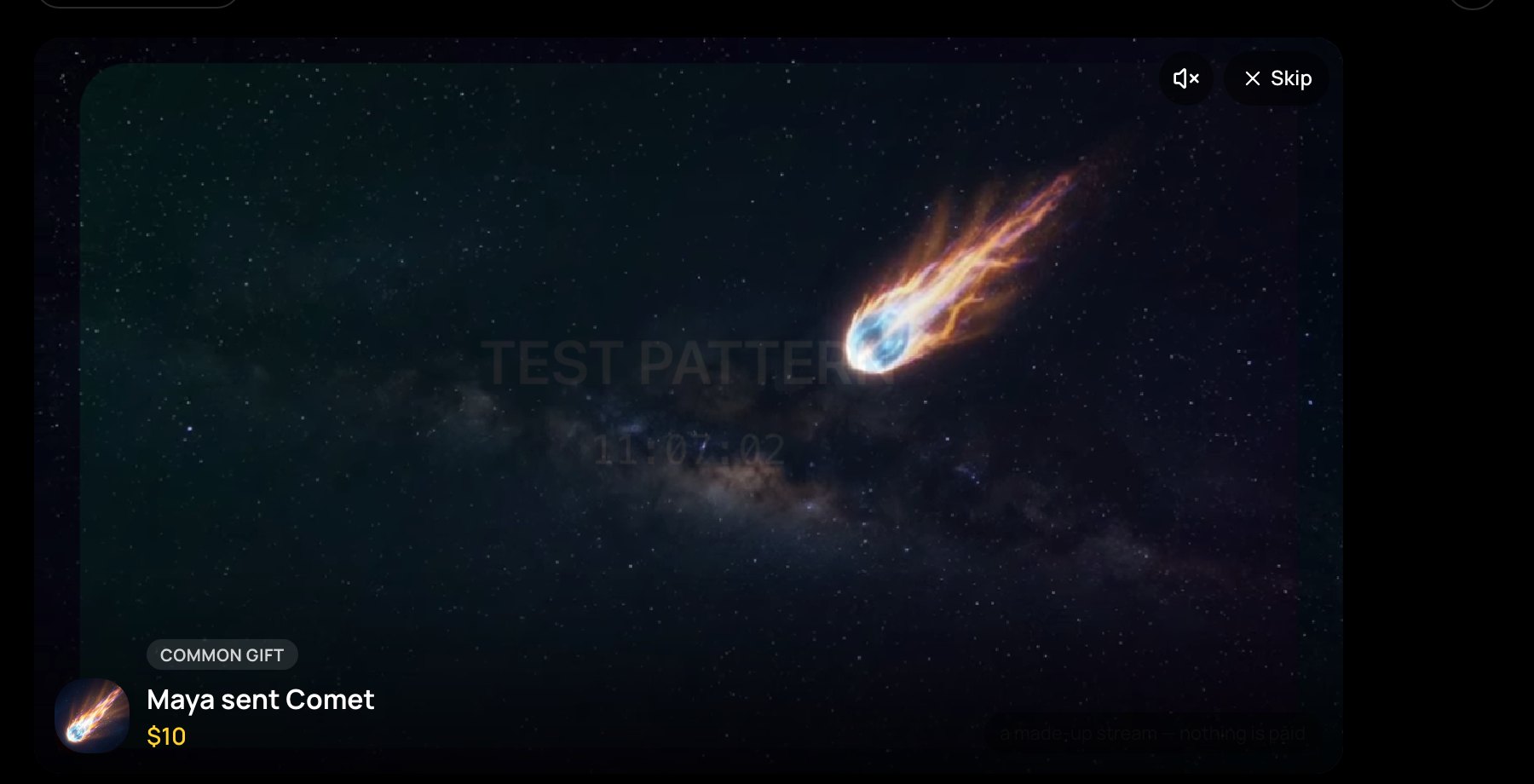
Everyone watching sees your gift. Under $10 it is a card in the middle of the video, with its own sound; the same gift sent again by the same person counts up on one card. From $10 it plays a full-screen animation with its soundtrack — Skip closes it. Keep sending Spark, Pulse, Rose, Wave, Comet or Bolt, and at ×10, ×50 and ×100 a combo burst plays.
The speaker button in the chat's header turns gift sounds on or off on this device. On a live event, gifts appear in a strip low in the picture, without sound.
Before your identity check
Until your identity check is approved, you can send Small gifts only: up to 10 at a time, and $50 in any 24 hours. Classic, Neon and signature gifts show greyed, with a lock.
Quick gifts
For wallets that ask you to approve every payment, such as Slush. In the gift window, tap Quick gifts → Turn on, choose how much to put aside and your limits (by default $20 a gift and $100 a day), and approve once. For 30 days this device then sends gifts with one tap, within your limits. The money stays yours in a contract on Sui that NETSTREAM can't move; Take my money back returns it at any time. With a Google sign-in there is no pop-up anyway, so quick gifts don't show.
Gifts in a battle
The gift window shows the players: choose who gets your gift. Only gifts sent while the battle's clock runs count as points. See Watching a battle.