The studio
Live events
Stream a match, a concert or a show with nothing covering the picture. For Gold NFT holders.
A live event is a stream of something people come to see as it is: a match, a concert, a show. Nothing covers the picture. Instead of cards and full-screen animations, gifts appear in a quiet strip low in the picture.
Live events are for Gold NFT holders. Everyone else sees Live event with a lock.
Start a live event
- On the Go Live page, open the Stream tab.
- Under Type, choose Live event instead of Livestream.
- Fill in the details as for any stream, then go live. Or schedule it: a scheduled live event appears under Upcoming events.
You choose the type before you go live. It can't be changed during the stream.
What is different
- Your camera or a shared screen, as it is. Your microphone stays off until you switch it on: press Mic off under the picture, or pick a microphone in Sources, to speak over it.
- Nothing added to the picture: no Looks, Voice, overlays (caption, BRB, gifts on your face) and no crowd sounds.
- No guests and no battles.
- Scenes, Clip and subtitles still work.
Gifts in a strip
- Gifts appear one at a time in a strip low in the picture, without sound.
- The bigger the gift, the longer it stays: a few seconds for the smallest, up to half an hour for the biggest.
- A gift from an NFT holder carries their name and a link to their channel, so their channel is on everyone's screen while the gift stays. Other senders are not named.
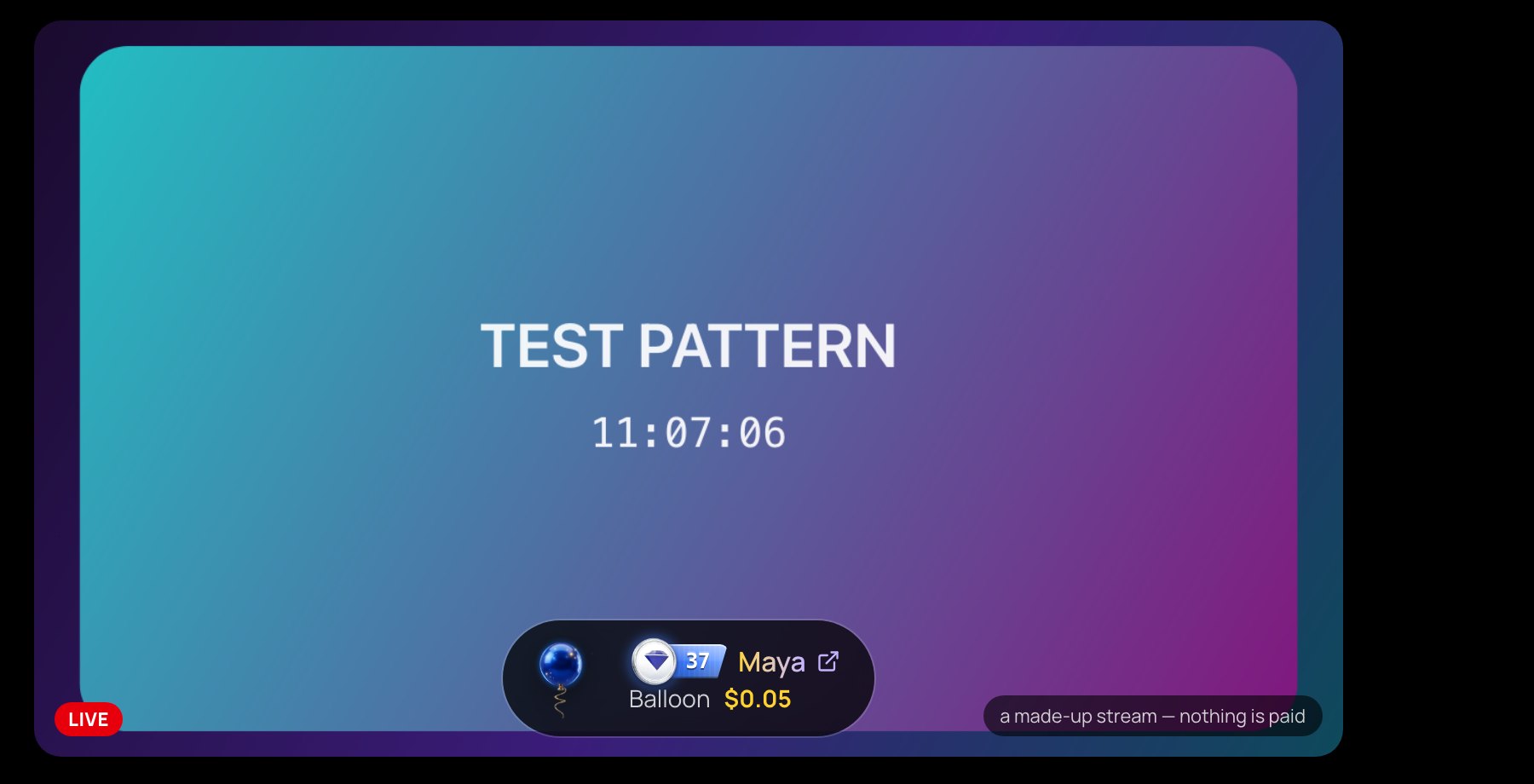
Your studio's preview shows the strip just as viewers see it.