Getting started
Identity check (KYC)
Why NETSTREAM asks for an identity check, what works before it, what it opens, and what to do while it is pending or if it is rejected.
The identity check (KYC) confirms that a real, verified person stands behind an account. Real money moves on NETSTREAM, so buying, cashing out, paid streams, rewards and going live are tied to a verified person. You do it once.
What works before it
- Signing in, chat, following, and watching free streams. The View Pass needs no identity check.
- Small gifts: up to 10 at a time and up to $50 in any 24 hours. Classic and Neon gifts, and a creator's signature gift, are shown with a lock until you are verified.
- Receiving USDC and SUI from another wallet or an exchange, and sending from your wallet.
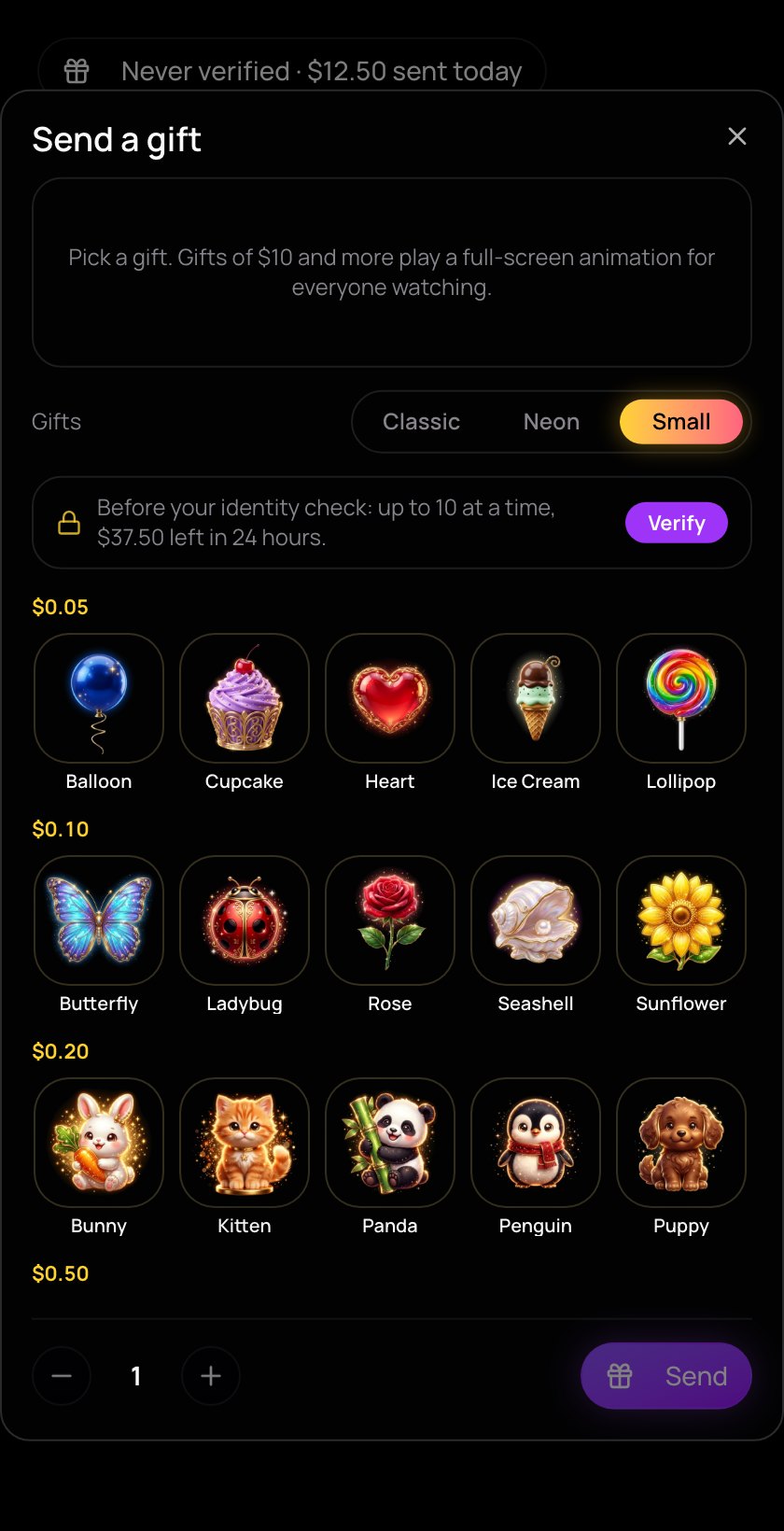
What needs it
- Buying and cashing out by card or bank.
- Every gift, without the limits above.
- Subscribing, buying pay-per-view, and watching paid streams (pay-per-view, subscribers only, or NFT holders only).
- Claiming Watch-to-Earn rewards.
- Going live or scheduling a stream, for creators.
Start the check
- Open the account menu and tap the KYC badge next to your name, or go to Menu → Verification.
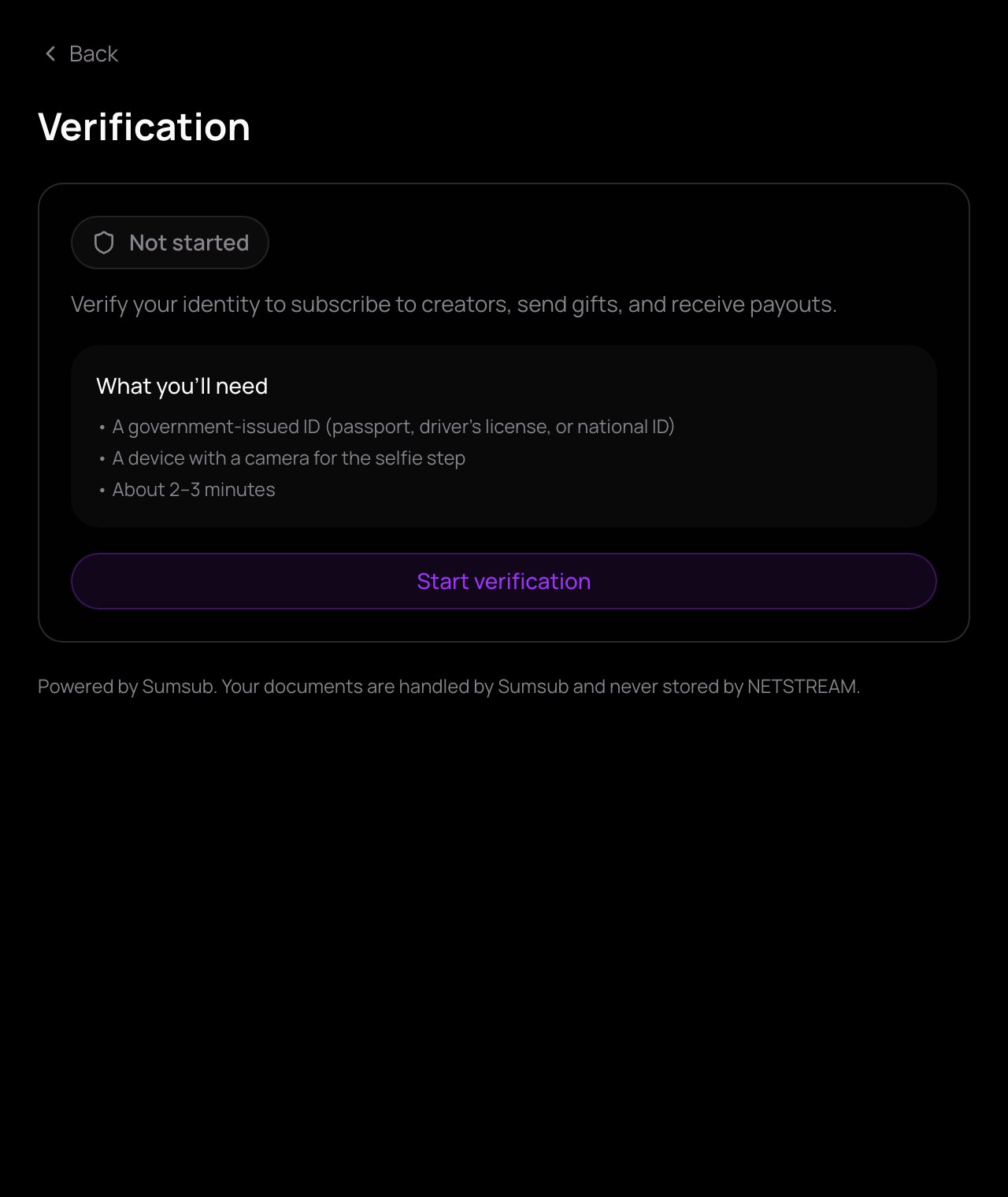
- Have ready an official ID (passport, driving licence or national ID card) and a device with a camera for the selfie step. It takes about 2–3 minutes.
- Tap Start verification and follow the steps on the page.
The check is run by Sumsub, an identity-check service. Your documents go to them and are never stored by NETSTREAM.
Where your check stands
The Verification page shows one of four states. In the menu, a check not yet started shows as Required.
| State | What it means | What to do |
|---|---|---|
| Not started | You haven't done the check yet. | Tap Start verification. |
| Pending | Your documents are being reviewed. This usually takes 1–24 hours. | Wait. Small gifts, receiving and the View Pass keep working. |
| Verified | You are verified. | Nothing. Everything above is open. |
| Rejected | The check was not accepted. | Tap Try again and go through the steps again. |
While the check is pending, the welcome card on the home feed says Buying opens when your identity check is approved. You can still add money by sending it from another wallet — see Add money.