Watching
Finding streams
Where to find live streams and replays, how to search, and what the marks on a stream card mean.
Everything on now, and the replays of recent streams, is on the live page: Live in the left rail on a computer, Home in the bottom bar on a phone.
The live page
- Top on NETSTREAM — up to 10 streams, numbered: the live streams with the most viewers first, then the most-watched replays of the last 7 days. One per creator.
- All live & replays — every live stream, then the streams that ended, newest first. More load by themselves as you scroll.
On a phone you see one stream per screen: swipe up for the next. The tabs Top and All switch lists. Each stream plays a short muted preview; tap it to open it with sound, chat and gifts.
Categories and more
On a computer, the bar at the bottom of the live page has Categories, Near me, Channels, Following and Scheduled; on a phone, tap Categories beside the tabs. Under Scheduled, Remind me gets you a reminder 10 minutes before a stream starts.
- Following — streams of the creators you follow.
- Games — the battles on now (on a phone: Categories, then ⚔️ Battles).
- Events — live events: matches and shows.
Search
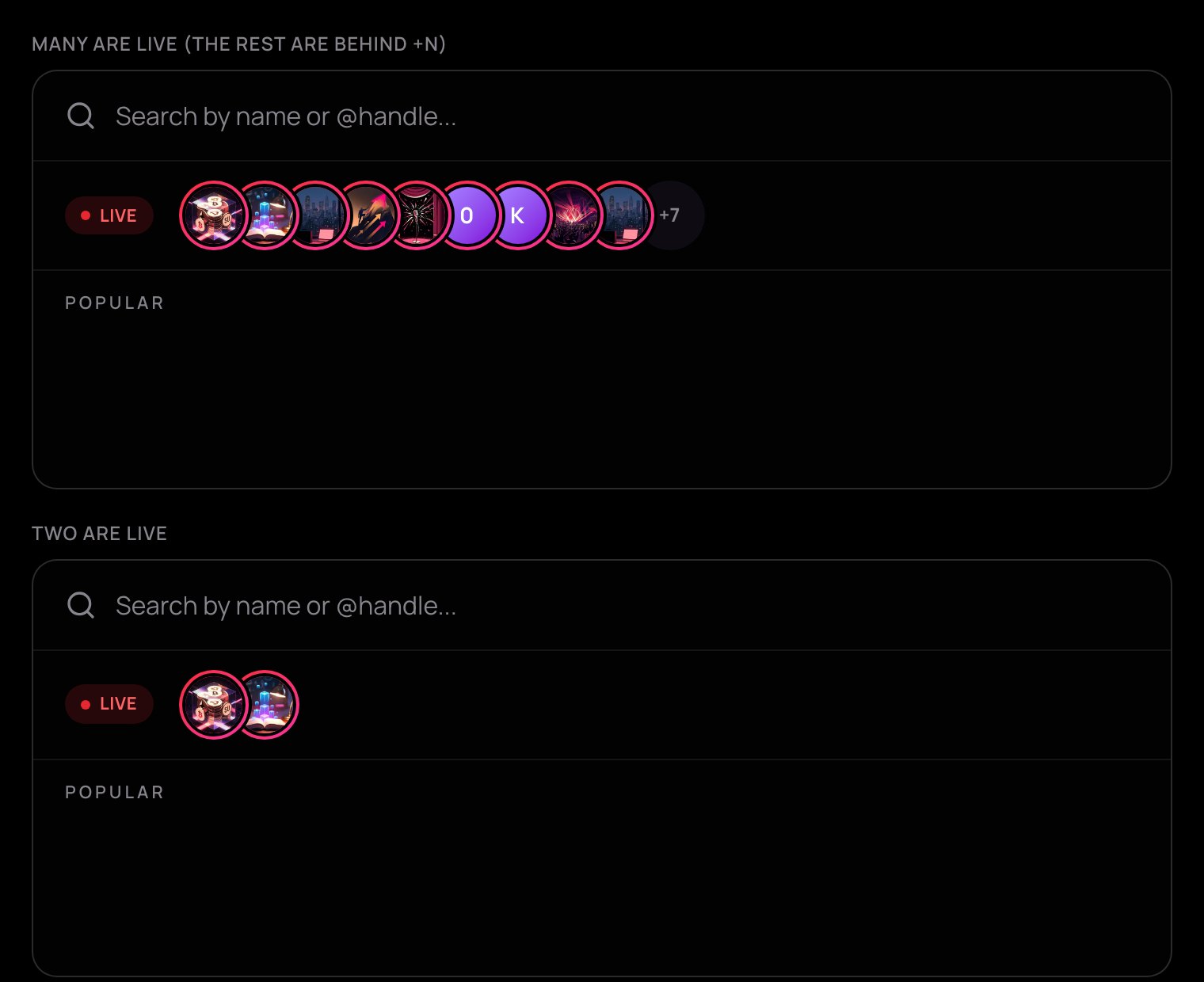
Open the search at the top of the page (or press ⌘ K or Ctrl K on a computer). Its first line shows who is live: round faces with a red ring, most viewers first. On a computer, point at the line to open it and see each face's stream; on a phone the faces have names and the line scrolls sideways. Tap a face to watch, or type a creator's name or @handle to find their channel.
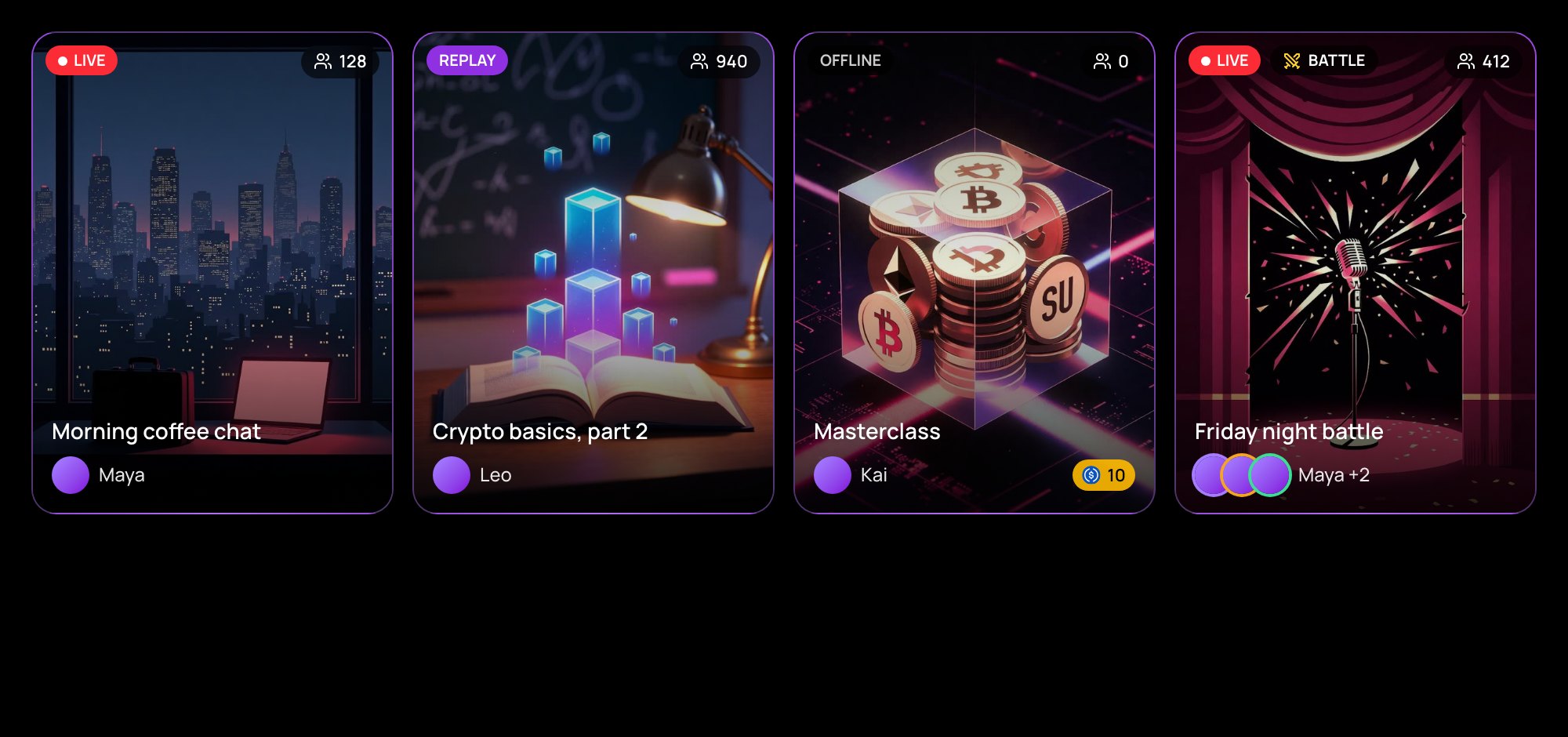
What a card tells you
| Mark | Meaning |
|---|---|
| LIVE and a number | On now; the number is how many are watching. |
| REPLAY | Ended; its recording plays. The number is its views. |
| Battle | A battle; every player's face is shown. |
| Event | A live event. |
| 18+ | Marked 18+ by the creator. |
| A price | Pay-per-view, or a stream for subscribers. |
Free streams play a few muted seconds on their card — when your pointer rests on it, or when it is in the middle of a phone's screen. Autoplay streams in Settings turns this off.
18+ streams
18+ streams appear in your feeds only if you confirmed you are 18 or older and kept Show 18+ streams on in Settings. When you open one, it stays covered until you press I'm 18+, show it.
Opening any stream needs a sign-in: see Free preview and View Pass.