Your wallet
Add money or cash out
Buy USDC and SUI by card or bank transfer, or cash out to your card or bank account, once your identity check is approved.
You can buy USDC and SUI by card or bank transfer, and cash out to your card or bank account. Two providers do this, and the money goes straight to your wallet.
First, the identity check
Buying and cashing out need an approved identity check. Until then, Add money shows "Verify your identity to buy or cash out", with a Verify my identity button. While your check is being reviewed, it says so.
You never need the check to receive: Show my wallet address takes you to your address, so you can send USDC and SUI to it from another wallet or an exchange.
Add money
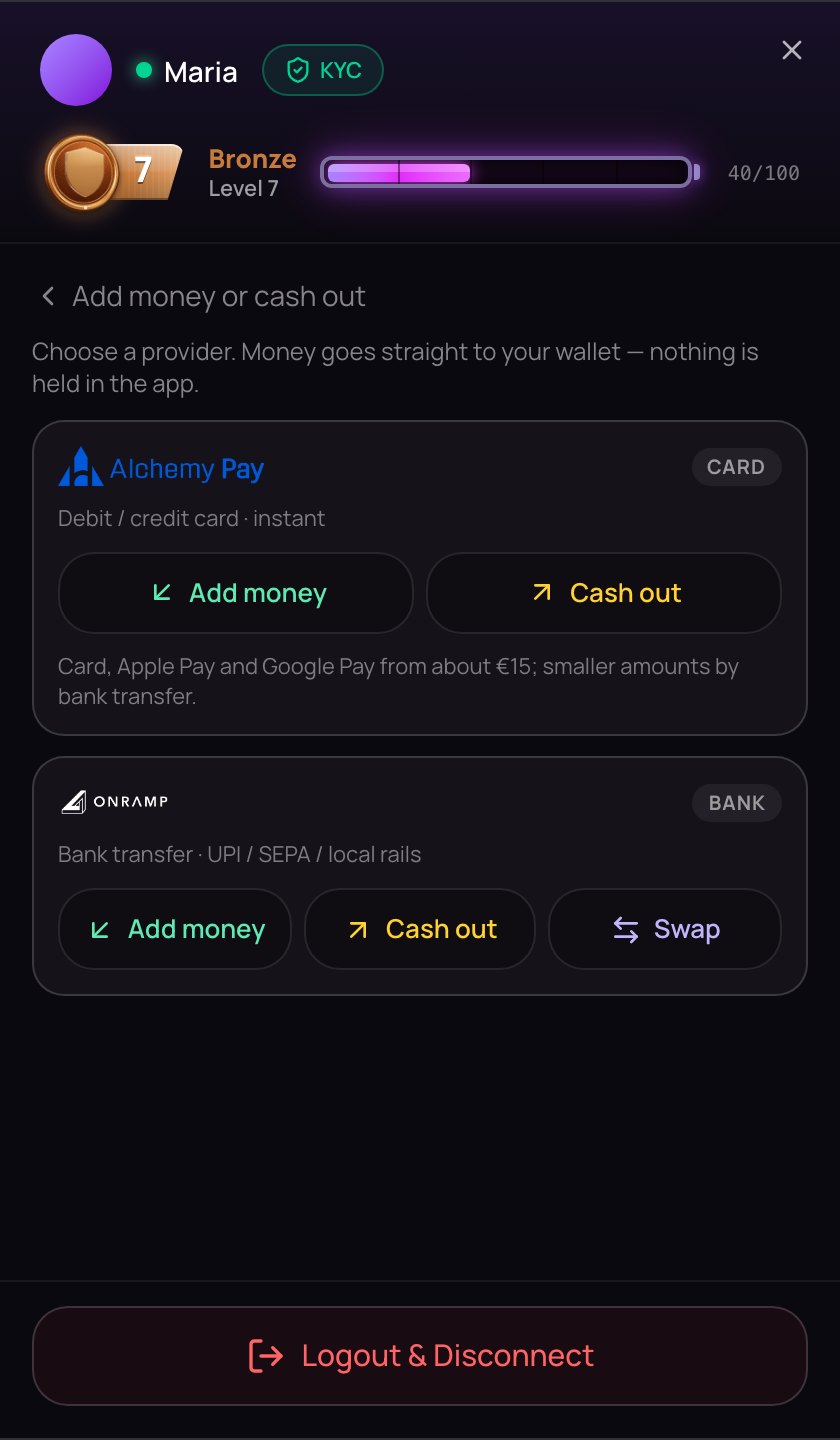
- Open the account menu, and on the Wallet tab tap Add money. The Add money or cash out view opens.
- Choose a provider and tap Add money under it. Its page opens in a new tab, already given your wallet address.
- Buy USDC to pay with, and a little SUI for network fees. If the provider asks for a network, choose Sui. Then follow its steps.
| Provider | How you pay | Buttons |
|---|---|---|
| Alchemy Pay (CARD) | Debit / credit card · instant | Add money, Cash out |
| Onramp.money (BANK) | Bank transfer · UPI / SEPA / local rails | Add money, Cash out, Swap |
With Alchemy Pay, card, Apple Pay and Google Pay start at about €15; smaller amounts go by bank transfer. Onramp.money's Swap is for exchanging one coin for another.
Cash out
Tap Cash out under a provider and follow its steps to send it the coins. It pays the money to your card or bank account after its own checks: often within minutes, sometimes a few days.
Back on NETSTREAM
When you finish, the provider brings you back to a NETSTREAM page that checks your order:
- Purchase complete — the money is in your wallet. Tap Refresh over your balances if you don't see it yet.
- Payment processing or Cash-out in progress — the provider is still working on it.
- Payment failed or The cash-out didn't go through — the provider's email has the details. If money had already left your wallet for a cash-out, the provider sends it back.
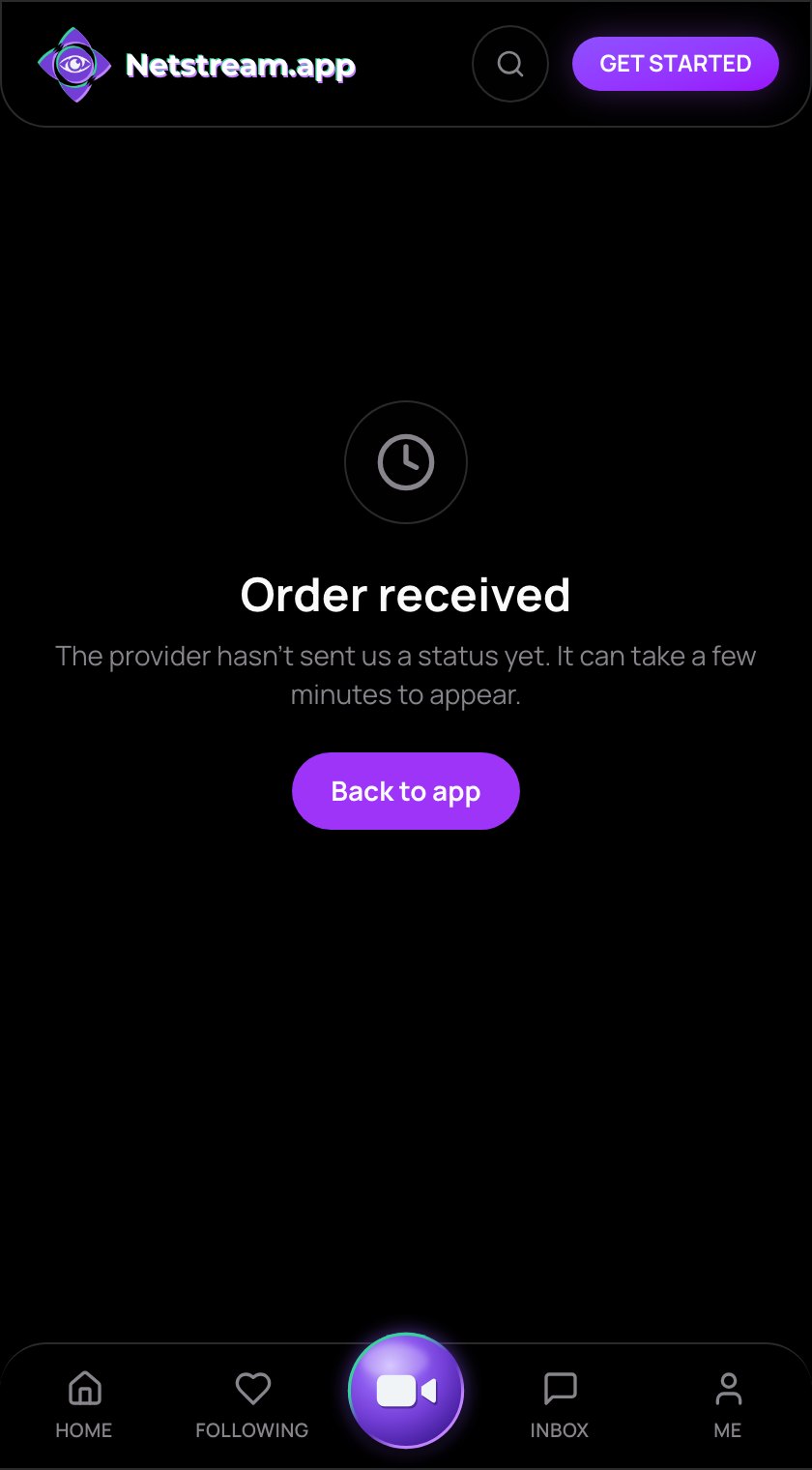
- Order received — no status from the provider yet. It can take a few minutes.
In another browser the page uses general words, such as All done. Tap Back to app to carry on.
Fees
NETSTREAM charges no cash-out fee. The providers set their own fees and show them in their checkout.
If no new tab opens, your browser may have blocked it. Allow pop-ups for NETSTREAM and tap the button again.