Getting started
Add money
Put USDC and a little SUI in your wallet — sent from another wallet, or bought by card or bank after the identity check.
To pay on NETSTREAM you need two coins in your wallet:
- USDC pays for the View Pass, gifts, subscriptions and pay-per-view.
- SUI pays the network fee of each payment, about $0.01. Keep a little: 0.1 SUI is plenty.
After you sign in, the welcome card at the top of the home feed has a step for this: Add USDC and a little SUI. It shows what you hold and ticks itself once you have at least 1 USDC (the price of a View Pass) and 0.01 SUI. The same ways in are in your wallet: open the account menu, then Wallet → Receive or Add money.
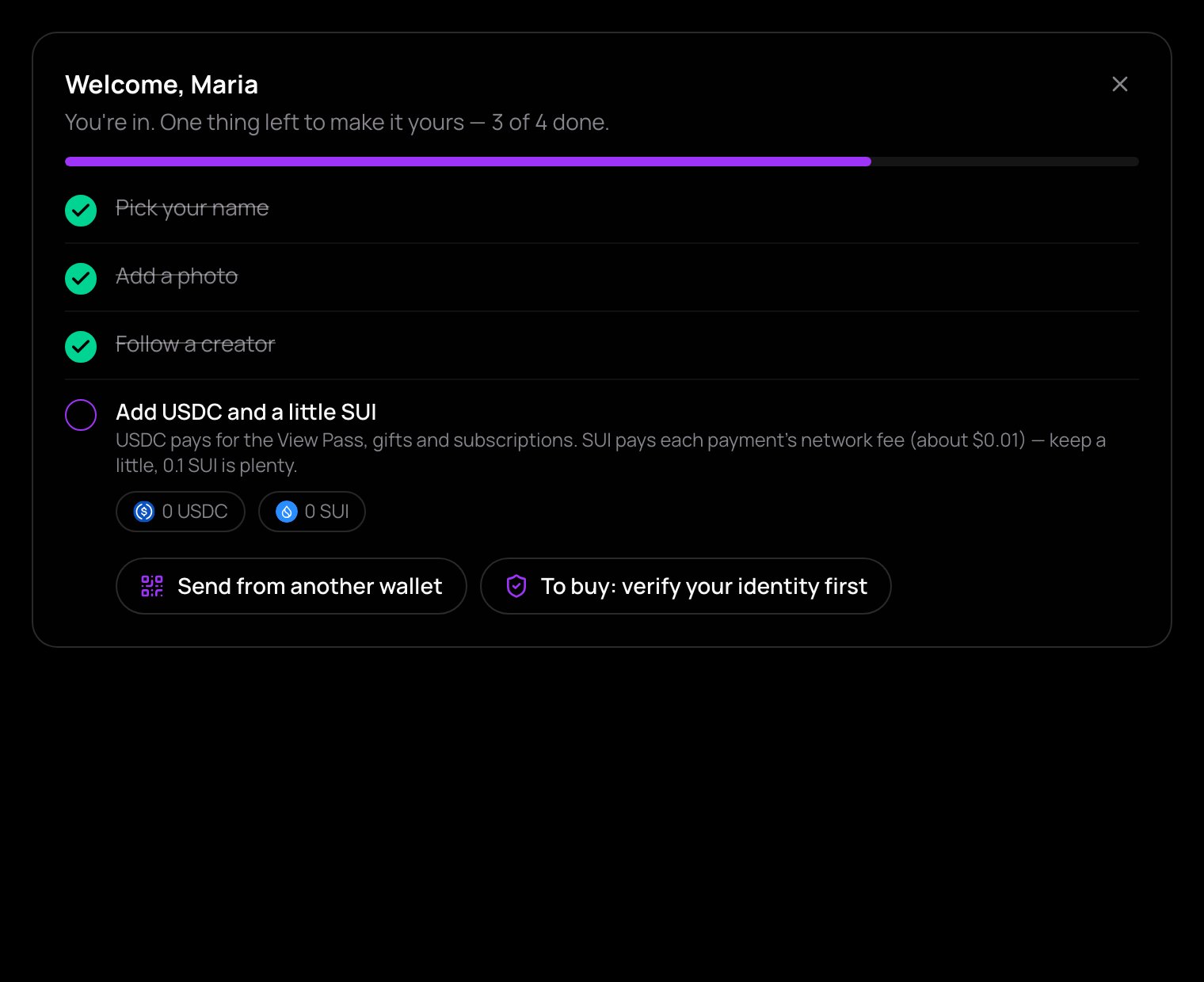
Send from another wallet
This needs no identity check.
- Tap Send from another wallet (or Receive in your wallet).
- Copy your address with Copy, or scan the QR code with the wallet app you are sending from.
- Send USDC and SUI to that address from your other wallet or exchange.
- In your wallet, tap Refresh next to Balances to see the new amounts.
Your address is a Sui address. When you withdraw from an exchange, choose the Sui network, for USDC and for SUI.
Buy by card or bank
This needs an approved identity check.
- Tap Buy by card or bank (or Add money in your wallet).
- Choose a provider: Alchemy Pay for a debit or credit card, Apple Pay or Google Pay, or Onramp.money for a bank transfer.
- Finish in the provider's own checkout. The money goes straight to your wallet — nothing is held in the app.
Card, Apple Pay and Google Pay start at about €15; smaller amounts go by bank transfer. NETSTREAM charges nothing to add money or cash out. The providers set their own fees and show them in their checkout.
Before your check, the welcome card shows To buy: verify your identity first, which takes you to the check. While it is being reviewed, it shows Buying opens when your identity check is approved. Sending from another wallet works all along.
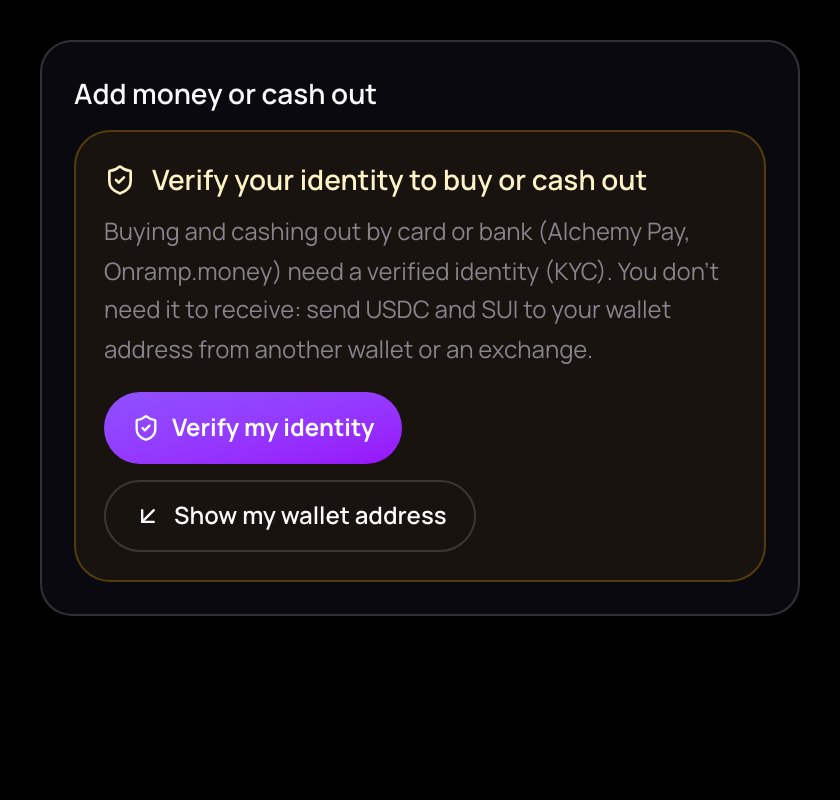
More on buying, cashing out and the providers is in Buy and cash out.