Getting started
Welcome to NETSTREAM
What NETSTREAM is, who it is for, and the three things you need before you start.
NETSTREAM is a live-streaming app. You watch creators live, chat with them, send gifts and catch up on replays. Creators are paid in USDC — a digital dollar — on the Sui network. Gifts, subscriptions and pay-per-view go straight to the creator's own wallet, at the moment you pay.
Who it is for
- Viewers watch, chat, follow creators and send gifts.
- Creators have a channel of their own: they go live, receive gifts, and sell subscriptions and pay-per-view. They keep 80% of what they earn. A channel comes with a NETSTREAM NFT.
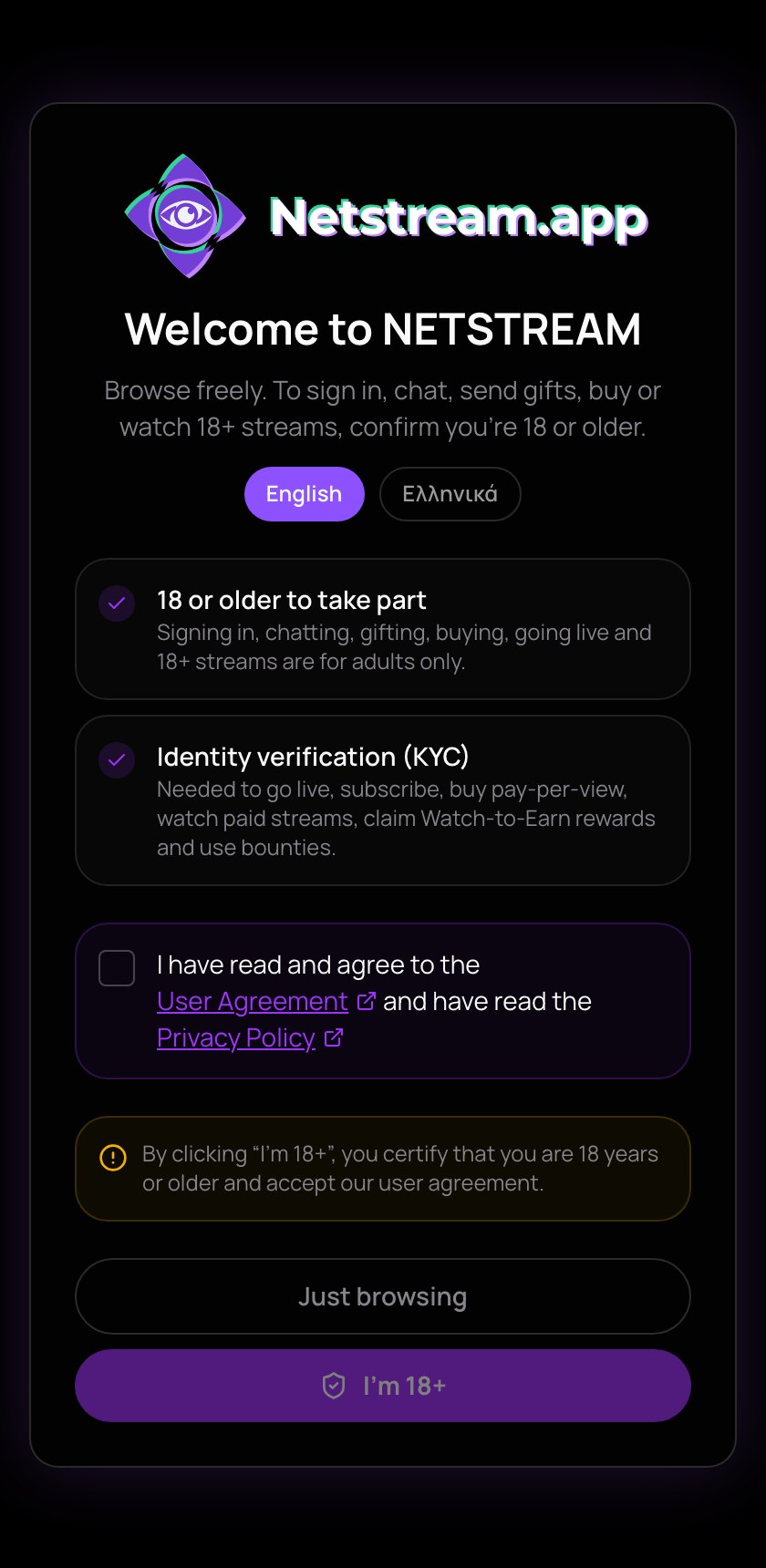
NETSTREAM is for adults. On your first visit you choose your language and confirm your age. I'm 18+ opens everything. Just browsing lets you look around first; you confirm your age later, when you sign in, chat, send a gift or buy.
What you need
- A sign-in. It is free. With Continue with Google a wallet is made for you, or use a Sui wallet you already have, such as Slush. Watching needs a sign-in, free streams too. See Sign in.
- USDC to pay. Each free stream plays 5 minutes for you. After that, a View Pass ($1) opens every free live stream and replay for 24 hours. Gifts, subscriptions and pay-per-view are paid in USDC too.
- A little SUI. Every payment has a small network fee, paid in SUI to the Sui network — not to NETSTREAM.
How to fill your wallet is in Add money. Some things also need a one-time identity check.
Your money stays in your own wallet. Payments go straight between wallets on Sui, and NETSTREAM keeps no balance for you.
Where to go next
- Finding streams — the feed, search and the creators you follow.
- Your wallet — your balances, and how to receive money.
- Becoming a creator — the NFTs that open a channel.
- Going live — your first stream from the studio.
- Where the money goes — how each payment is split.
- Safety and reporting — staying safe, and reporting a problem.